Build a clean data pool first
Remove invalid rows and repeated content before import, then dedupe inside the tool.
Split by count or package number
Set either the number of packages or the count per package, then export clear files named by date and project.
Keep remaining data
Export unused numbers separately so future batches can continue without re-importing the original file.
Combine with region filtering
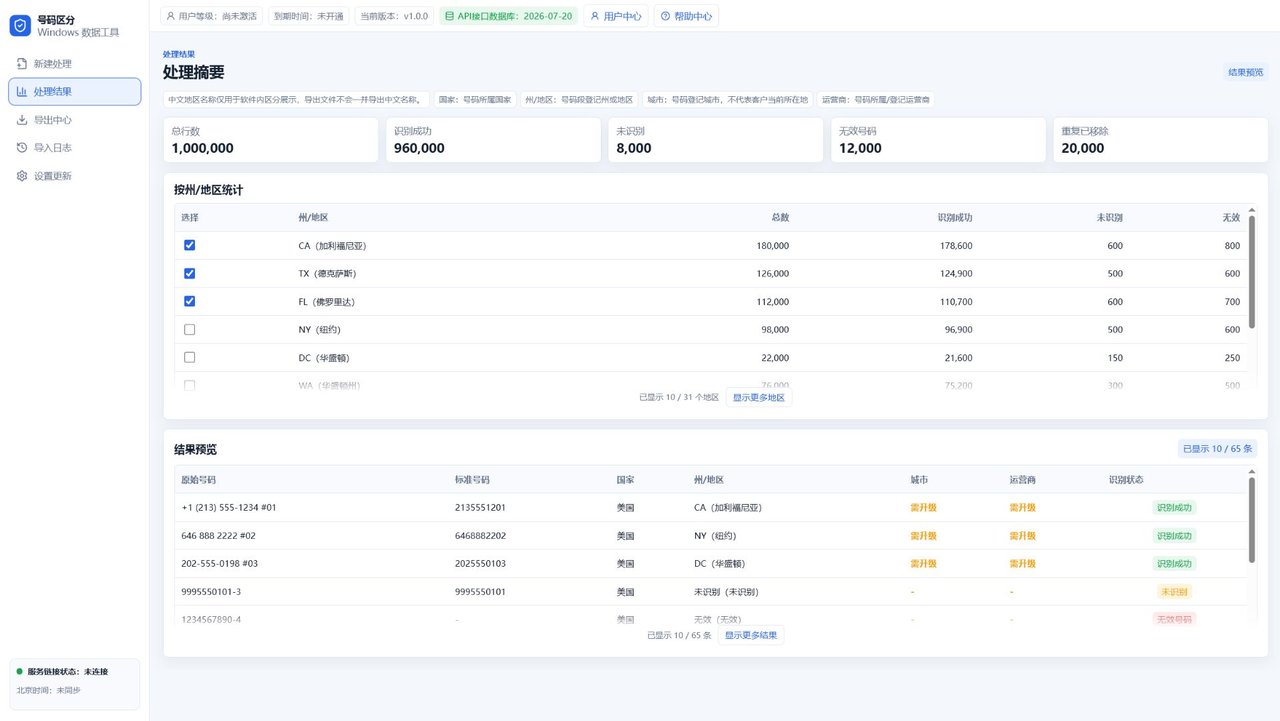
If region matters, use App A to filter by state or region first, then package that subset in App B.
FAQ
Does package export dedupe automatically?
Dedupe first, then random extract or split packages.
Can packages be split by region?
Yes. Filter by region first, then package the selected data.
Why export remaining data?
It helps preserve unused numbers for later work.
Continue Reading
For state or region filtering and package export workflows, continue with the resource center and guide articles.