
Keep the original file
Before processing, keep a copy of the raw file. If the wrong column or export format is selected, you can restart from the original data.
Normalize number fields
Remove obvious spaces, dashes, brackets, headers, and invalid characters so the number column can be detected consistently.
Group by region first
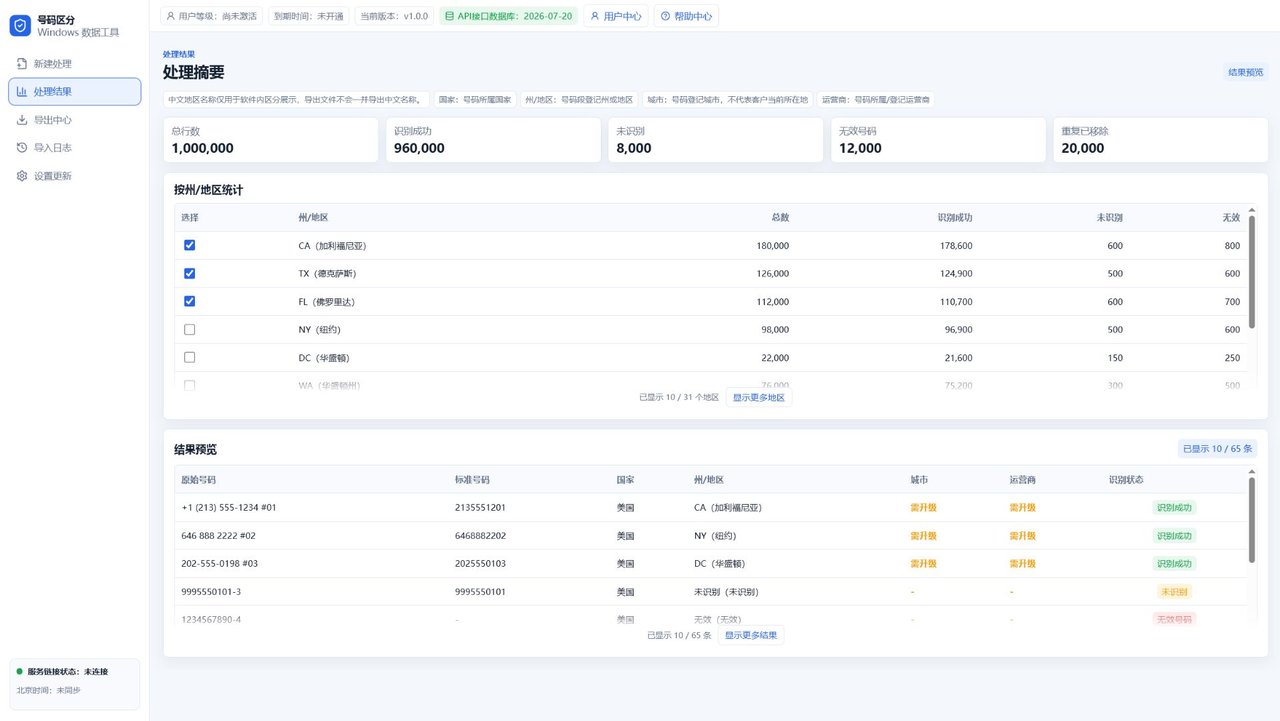
For US numbers, group the file by state or region first. Separating CA, TX, FL, NY, and other regions makes later assignment easier.
Dedupe and split packages
When the list must be assigned to multiple people or batches, dedupe it, randomly extract where needed, split packages, and export remaining data.
FAQ
Does cleanup rewrite customer data?
No. It organizes number fields into a recognizable and exportable format.
Should I export TXT or CSV?
Use TXT for plain number lists and CSV when extra fields need to be inspected or imported.
Can I test the workflow first?
Yes. Start with a small file before processing the full dataset.