
Check the machine and file
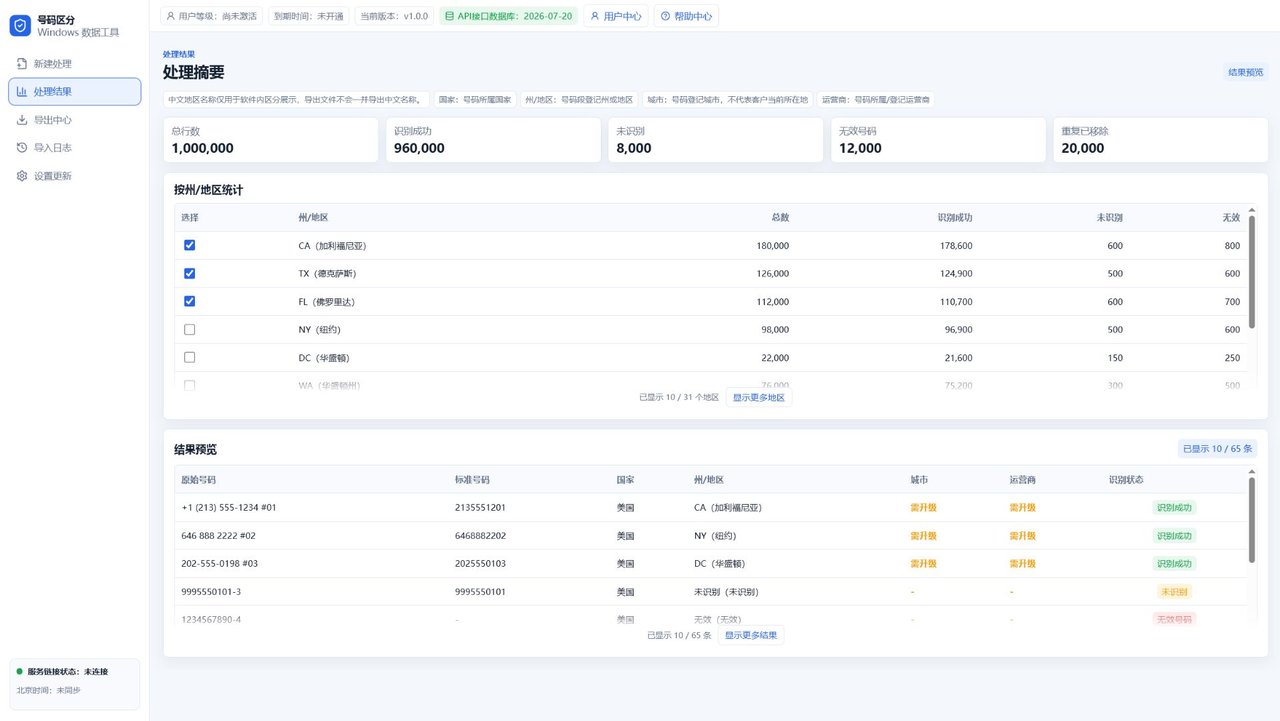
Large files depend on local PC performance. Keep the source file on a local disk and close unnecessary apps.
Watch import and cleanup progress
Import, cleaning, and recognition should show progress. Avoid repeatedly clicking buttons or moving the source file during processing.
Review statistics before export
Check state or region counts first, then export only the selected groups you need.
Use a separate output folder
Create a new folder for each job, named by date and project, so old and new exports do not mix.
FAQ
Can a million rows be processed at once?
The workflow is designed for large data, but speed depends on PC performance and file structure.
Can trial accounts export a million rows?
No. Trial export limits are controlled by backend rules.
Which export format is best?
TXT is best for plain numbers; CSV or Excel is better for extra fields.