Use authorized numbers only
SMS and RCS workflows must respect consent, opt-outs, and local rules. The tool does not bypass carrier or platform limits.
Group by region first
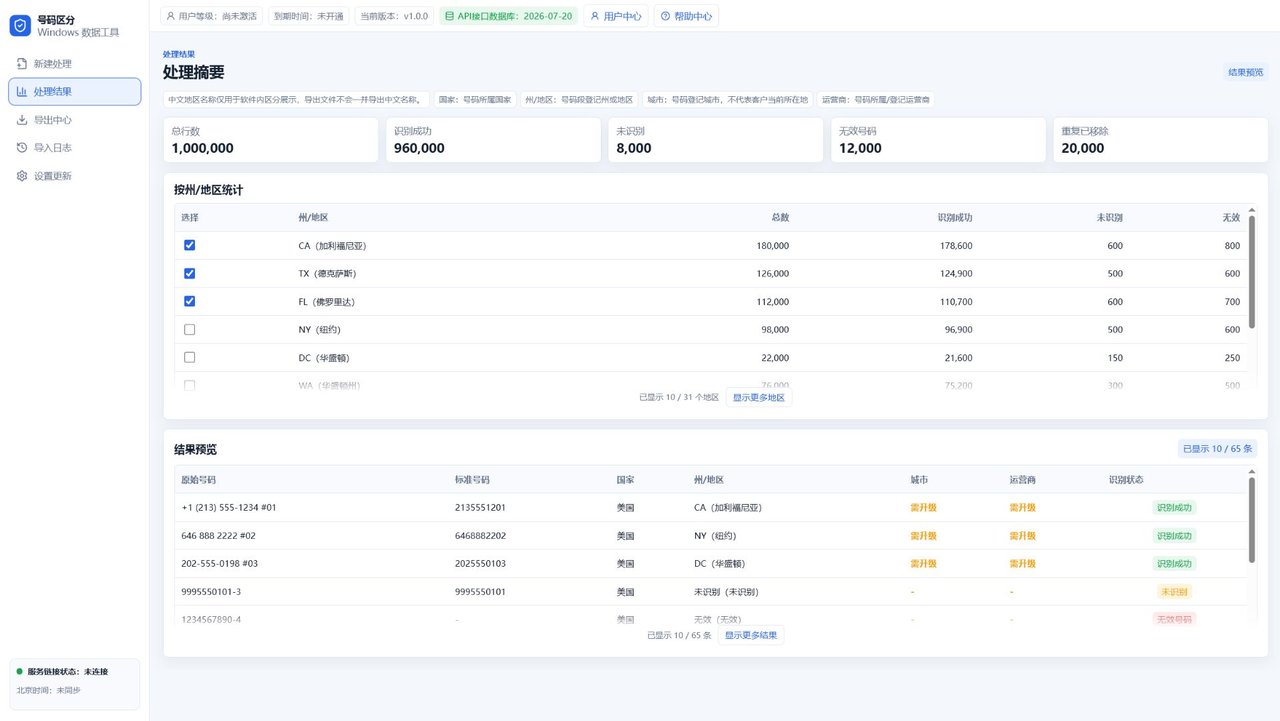
For US numbers, export CA, TX, FL, NY, and other states separately when regional planning matters.
Split packages by count
After region filtering, use App B to export predictable package sizes.
Keep remaining data
Save remaining records after each extraction to avoid assigning the same numbers repeatedly.
FAQ
Does region filtering improve delivery?
No guarantee. It helps planning and batch control.
Can RCS and SMS use the same cleanup workflow?
Yes, when the data source and consent status are valid.
Should exports be TXT or CSV?
Most systems accept TXT or CSV; choose based on the target importer.