Split by region first
If sales areas differ, group by state, city, carrier, or region before assigning files.
Then split by count
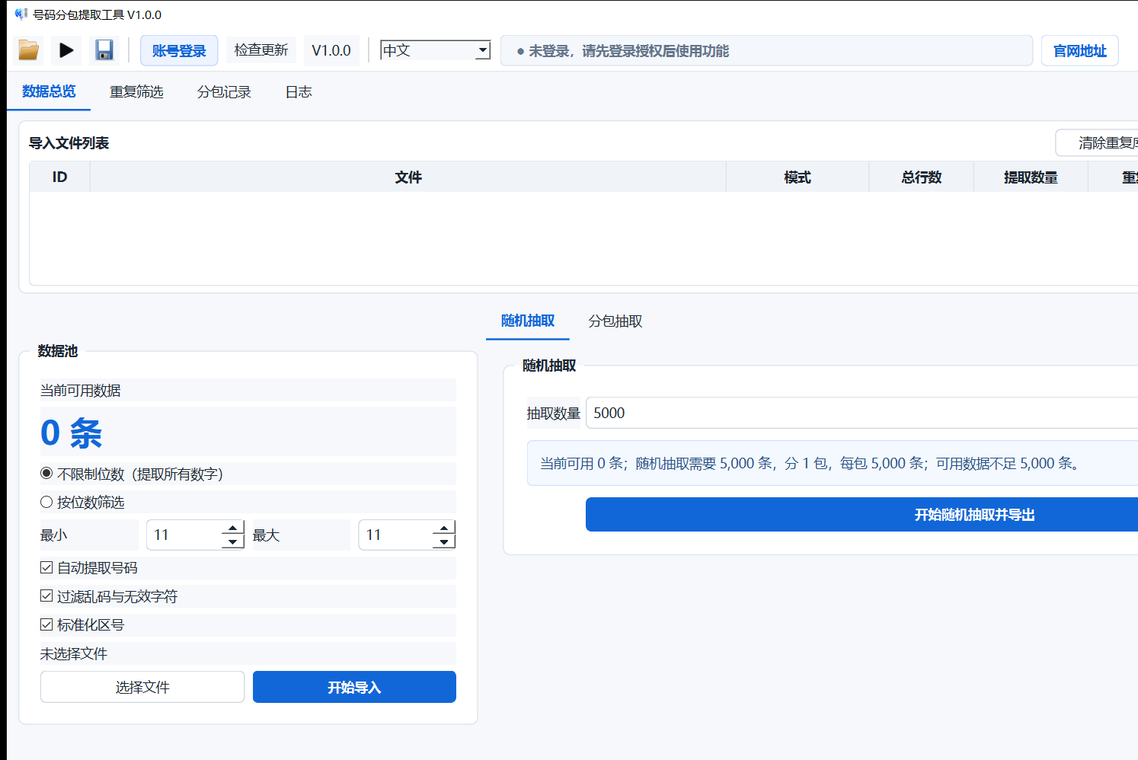
Export the number of records each person needs. App B can create files by package count or rows per package.
Use clear filenames
Include date, region, batch, and count in filenames, such as 20260729_CA_5000.txt.
Avoid repeated assignment
Dedupe before export and save remaining data for the next round.
FAQ
Should teams dedupe before packages?
Yes. It reduces repeated numbers across people.
Can region packages and random packages be combined?
Yes. Filter by region first, then random extract or split within the region.
Is TXT enough?
TXT is enough for plain numbers; CSV is better when region fields must be kept.