
Use TXT for plain number lists
TXT is simple: one number per line. It is often the easiest format when no extra fields are required.
Use CSV for system imports
CSV keeps multiple columns while staying widely compatible with spreadsheets, CRMs, and other data tools.
Use Excel for multi-field reports
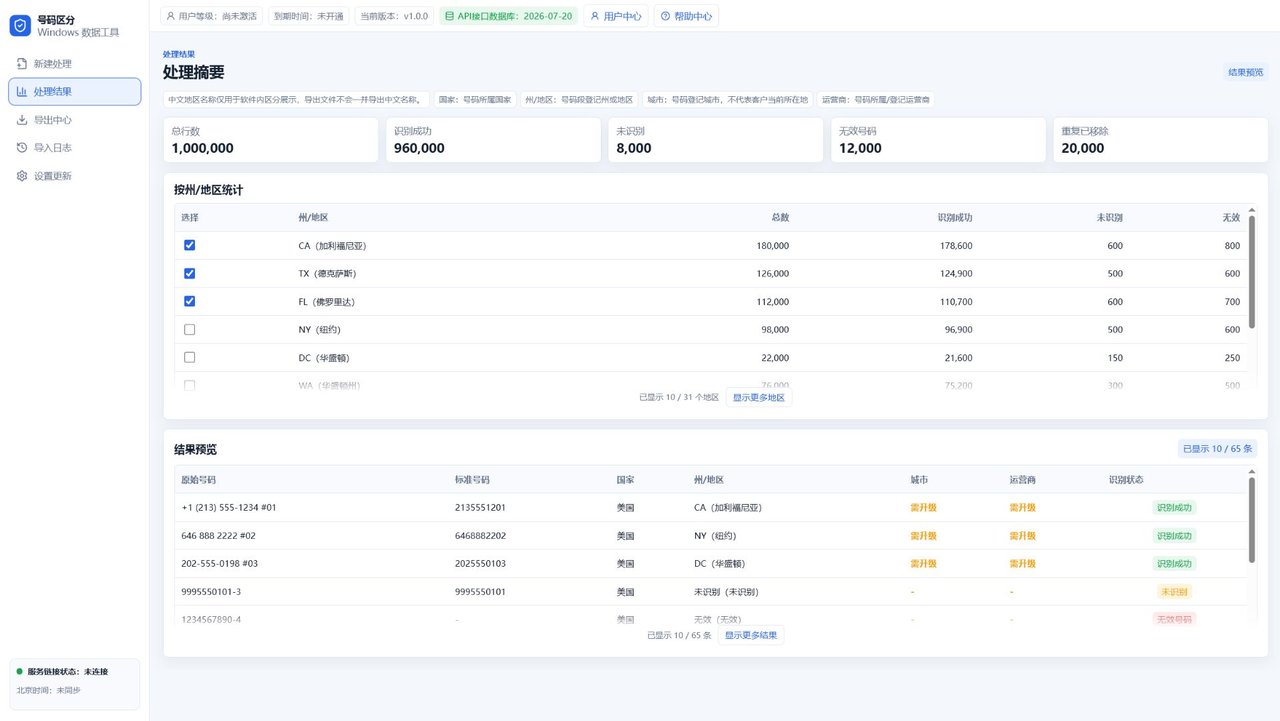
Excel is useful when humans need to review fields such as city, carrier, or recognition status.
Check permission and limits before export
Trial, Advanced, and Top access can have different export quantities and fields.
FAQ
Does TXT include headers?
Usually it is a plain number list for simple workflows.
Is CSV suitable for large data?
CSV is suitable, but editing very large files depends on the user's computer and spreadsheet software.
Who can export city and carrier fields?
More detailed fields are usually controlled by top-tier access.