How the free trial starts
After downloading the software, users register inside the desktop app. Once registration succeeds, trial authorization is synced and the user can test import, recognition, extraction, and export workflows.
The trial is not unlimited. Export counts and feature access follow backend rules, and the app should clearly show the current maximum when a limit is reached.
One account for two apps
App A and App B share one account system. After login in either app, level, expiry time, and authorization state sync through the backend.
This structure also leaves room for future apps without forcing users to register and pay separately for every tool.
Advanced versus Top
Advanced fits most users: App A supports state or region recognition and normal export, while App B unlocks all in-app features.
Top is mainly for users who need detailed App A fields such as city and carrier. When Top is active from App A, App B can display the synced Top status.
How payment status syncs
Inside the app, users choose monthly, quarterly, or yearly payment and open the payment page. After success, the app refreshes order status and syncs authorization.
If the payment page is completed but the app does not update immediately, users can refresh payment status. Network problems should guide users to check VPN or external connectivity.
How expiry time is shown
Chinese UI can show Beijing time in year/month/day format. English UI can show the user's language or time-zone display, while the subscription duration stays unchanged.
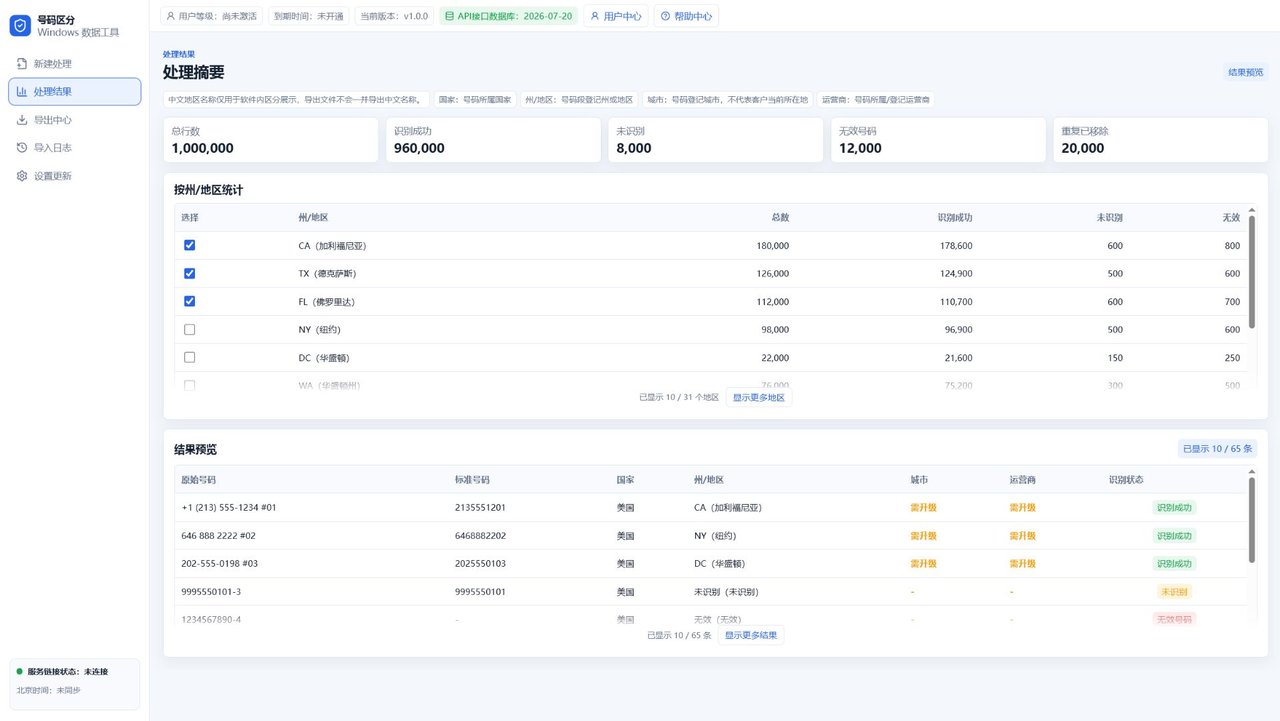
Showing level and expiry in the top area helps users know whether authorization is valid.
FAQ
Can users pay on the website?
No. The website only introduces and downloads the software. Payment happens inside the Windows app.
Does App B Advanced unlock all B features?
Yes. Advanced access is enough for all functions inside App B.
Does App A Top sync to App B?
Yes. App B can display the synced Top status.